What to do
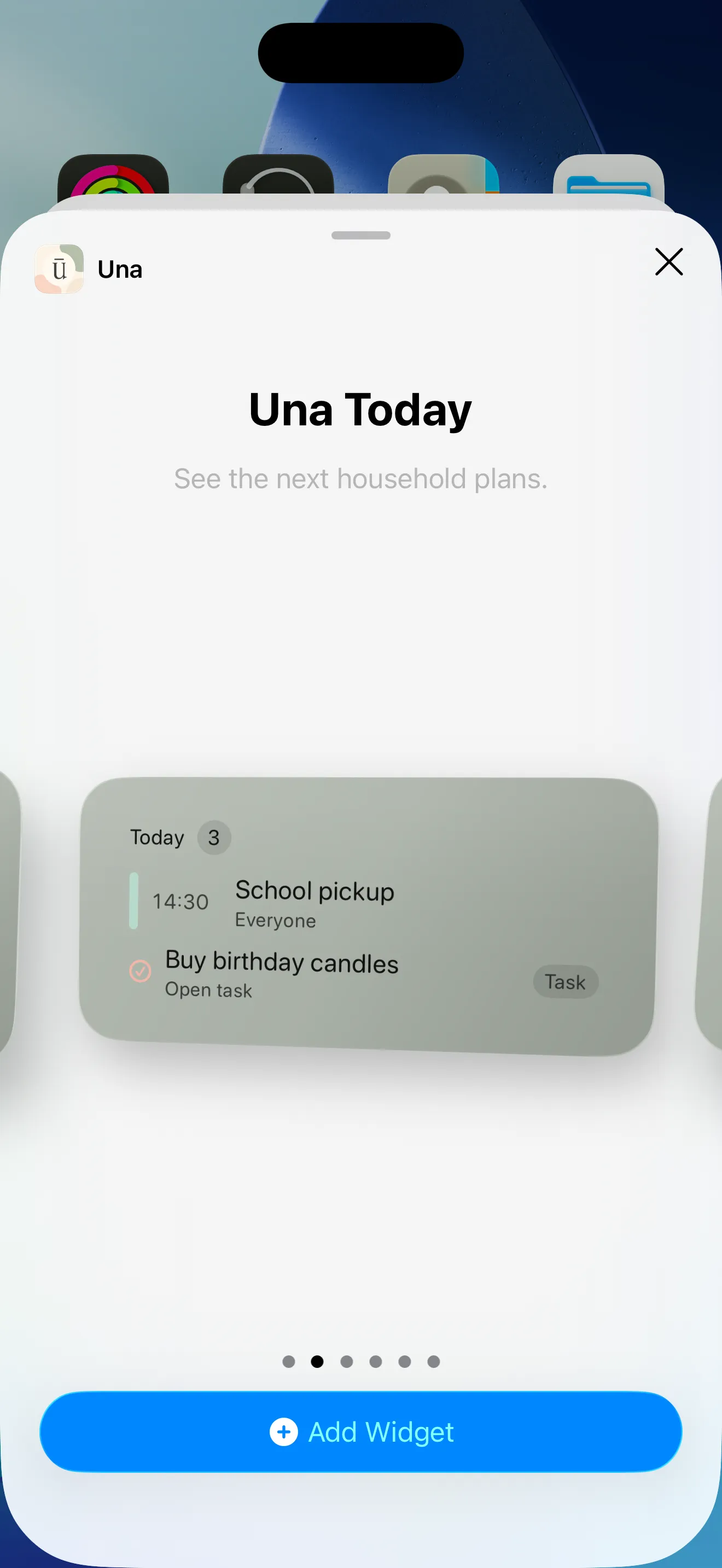
On iPhone or iPad, open the home-screen editor, tap Add Widget, then search for Ūna.
On Android, touch and hold an empty area of the home screen, choose Widgets, then find Ūna.
Choose the widget you want and place it on your home screen.
USING ŪNA
Put the day’s plan on your home screen so you see what’s next without opening the app.
On iPhone or iPad, open the home-screen editor, tap Add Widget, then search for Ūna.
On Android, touch and hold an empty area of the home screen, choose Widgets, then find Ūna.
Choose the widget you want and place it on your home screen.