Skip to content
Get Ūna
Menu
Back to Support

USING ŪNA

Plans, billing & restoring purchases

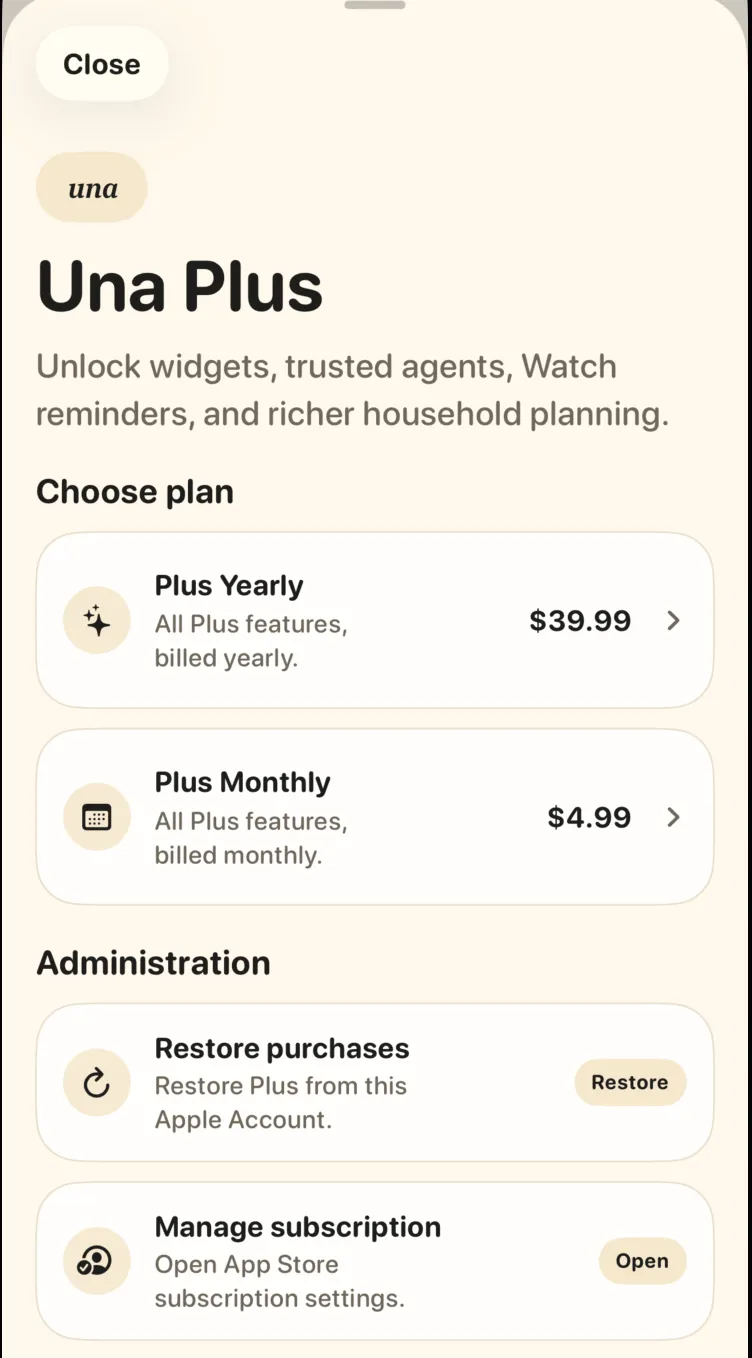
Ūna Plus unlocks widgets, assistant connections, Watch reminders, and richer household planning. Plans and billing live under Settings → Ūna Plus.

The Ūna Plus screen with plans, restore purchases, and manage subscription

What to do

  1. Upgrade: open Settings → Ūna Plus and choose a monthly or yearly plan.

  2. Paid but don’t see Plus? Tap Restore purchases to check the App Store or Google Play account used to subscribe.

  3. Change or cancel: tap Manage subscription to open the settings for the store where you subscribed.