What to do
Open Settings → Import events.
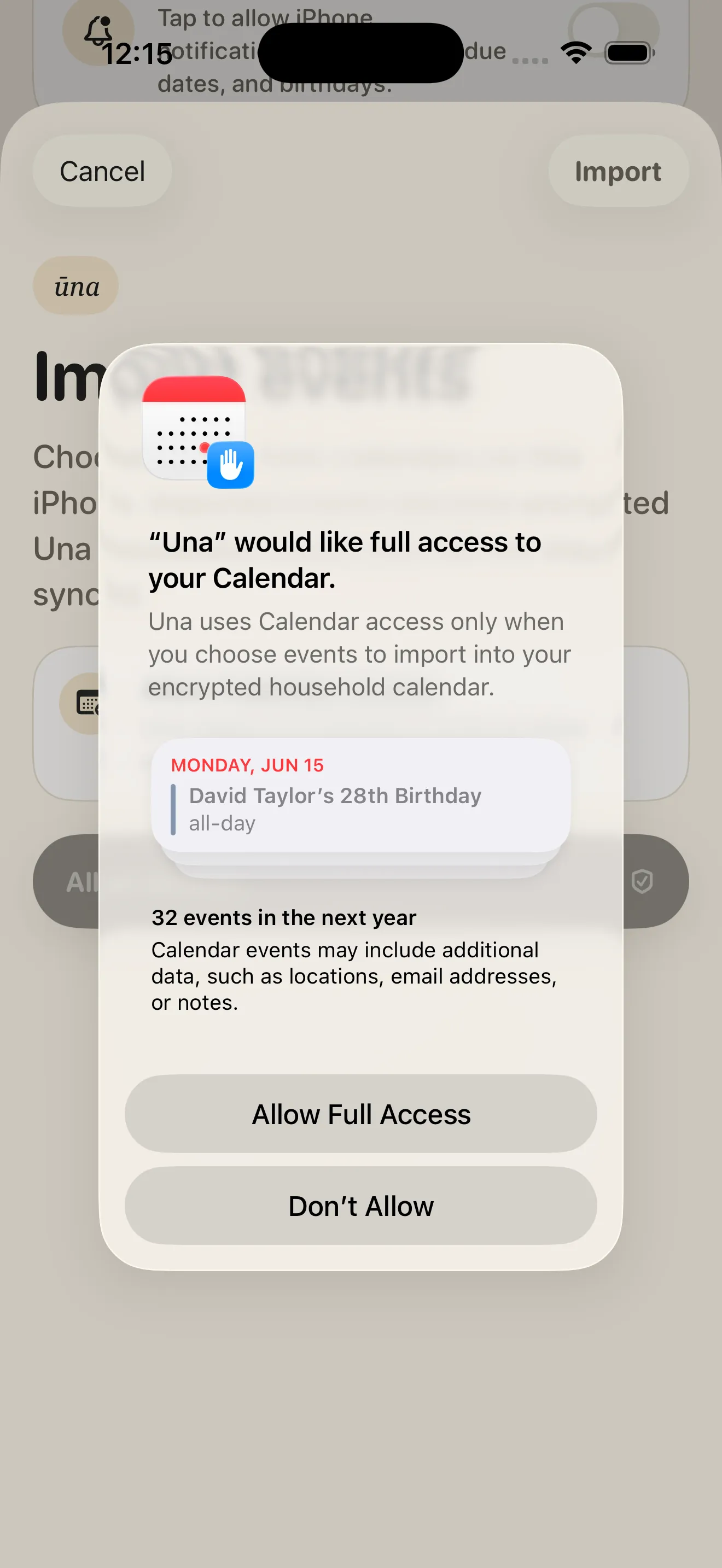
Allow calendar access — Ūna reads it only while you choose what to import.
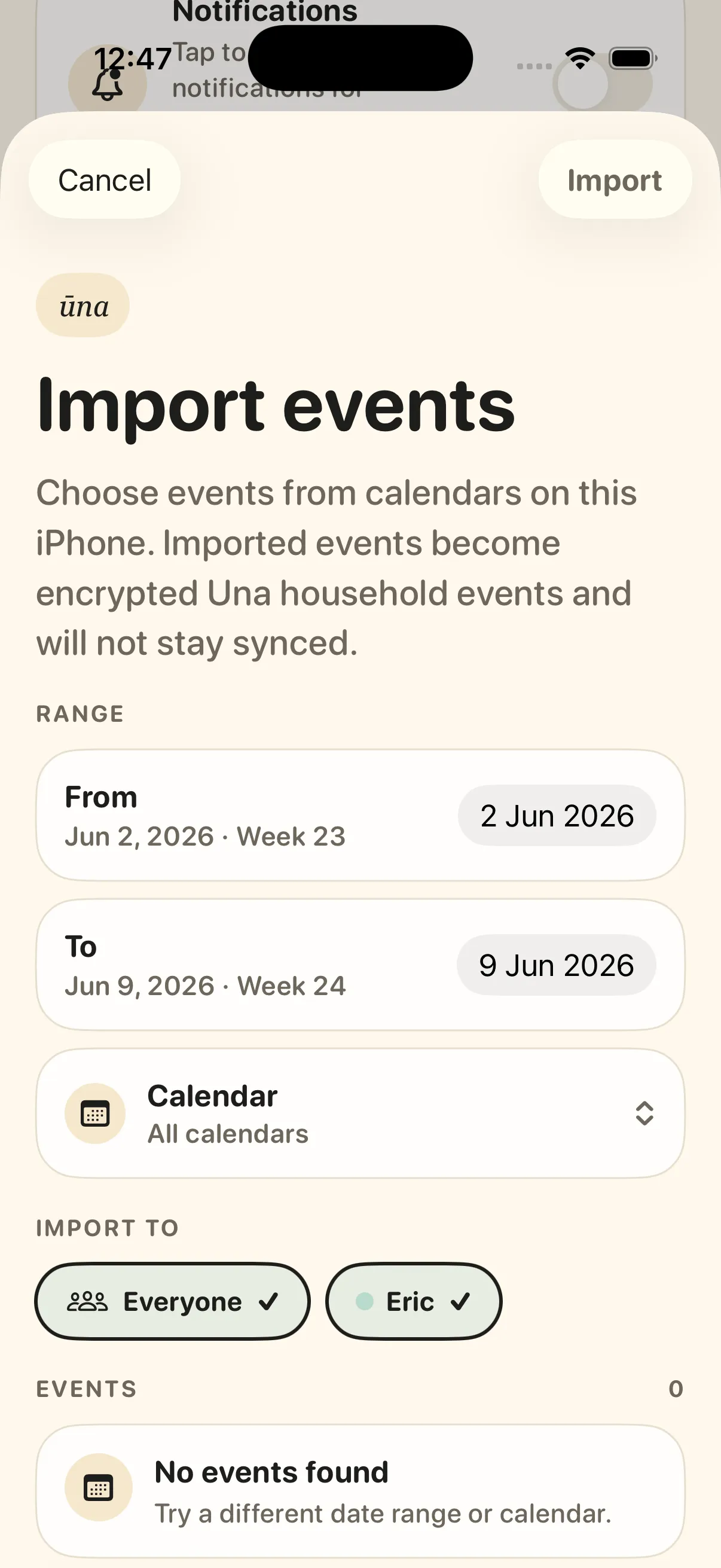
Pick a date range and calendar, choose who the events are for, then tap Import.
USING ŪNA
Bring events from Apple Calendar or Google Calendar into Ūna. Imported events become encrypted household events — it’s a one-time import, not a live sync, so later changes in the source calendar won’t flow through.
Open Settings → Import events.
Allow calendar access — Ūna reads it only while you choose what to import.
Pick a date range and calendar, choose who the events are for, then tap Import.